

How to make a family cookbook for free
Short answer
Collect recipes in one place first, write each one in the same format, add a short story or photo, then lay it out with a free design tool and export a PDF. Recipes you saved in Recepti are already written out with the source, which makes the first step easy.
The plan
- Collect. Ask each family member for three recipes. Add the ones you saved from social media.
- Standardize. Same order on every page: title, who it is from, servings, ingredients, steps, notes.
- Add the story. One or two lines about when the dish is made. That is what makes it a family book.
- Lay it out. Use a free design tool with a cookbook template.
- Export and print. A PDF can be printed at home or at a copy shop.
A free layout walkthrough
Using recipes from social media
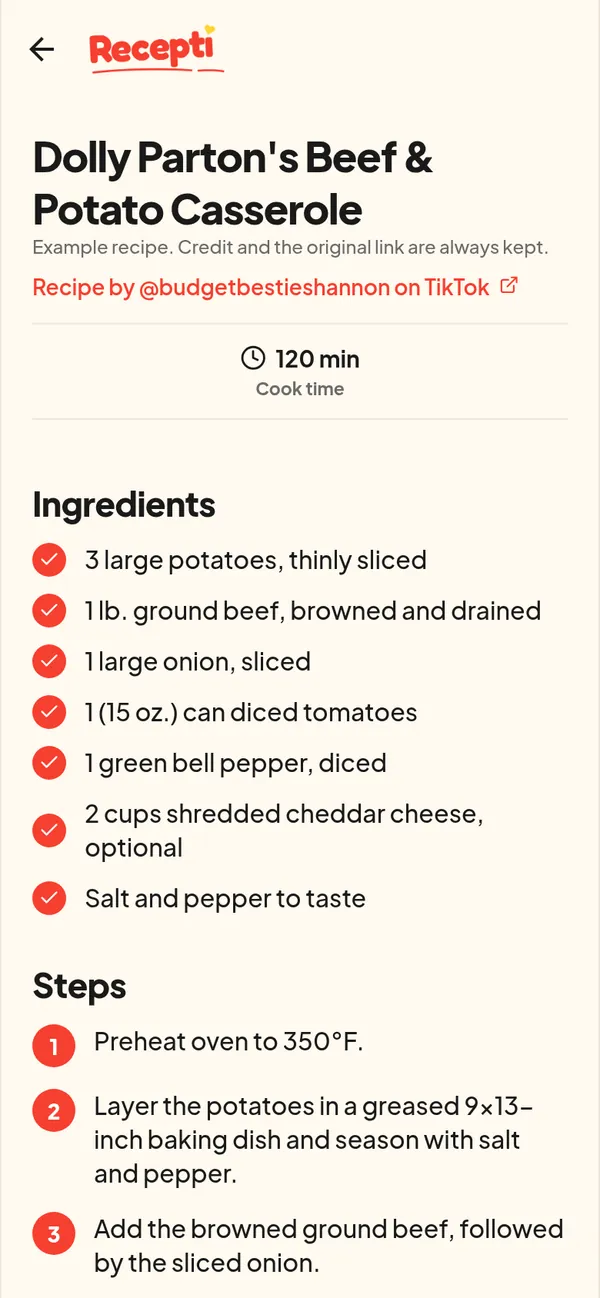
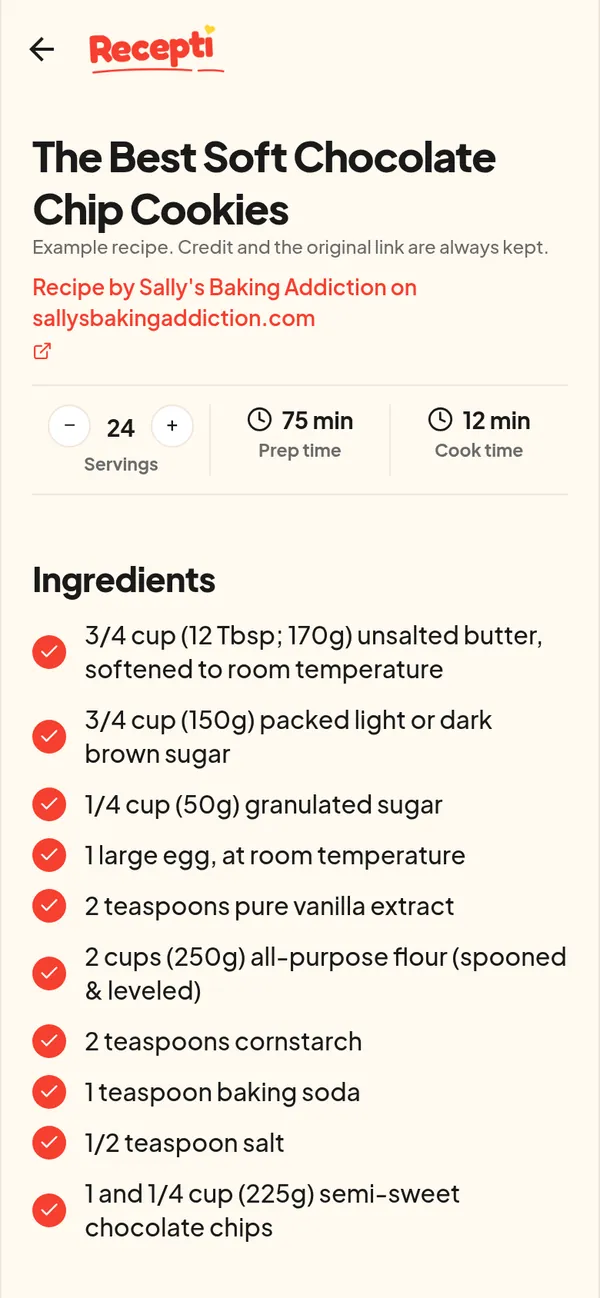
For dishes you discovered online, keep the creator credit on the page. Recepti keeps it for you on every recipe. A family book is personal, so it is in the spirit of the Recepti terms about personal use.
Prefer handwriting? Start with the printable recipe card.
Paste a link and see what Recepti saves.
Try Recepti in your browserFree. No download. Start as a guest.
Questions
How many recipes should a family cookbook have?
Twenty to forty is a good first edition. You can always add more.
Should I include recipes from creators?
For a private family book, include the credit. For anything you sell or publish, write your own version and ask a lawyer about the rules where you live.