

Recipe import did not work? Six things to try
Short answer
Check that you copied the post link from the Share menu, that the post is public, and try again after a moment because the server can take a few seconds to wake up. If a social post links to a recipe page, paste that page instead. Still stuck? Email the team from the support page.
Try these in order
- Copy the link again from Share. Links copied from the address bar of an app view sometimes point to a feed, not the post.
- Check the post is public. Recepti reads the public page.
- Wait a moment and retry. The server sleeps when nobody is using it and takes a few seconds to wake up.
- Paste the recipe page instead. If the caption links to a blog, import the blog link directly.
- Check the video has a recipe. Some videos show a dish without ever saying the amounts.
- Contact support. Send the link to the team on the support page.
Supported links
TikTok, Instagram, Facebook, YouTube and recipe websites. Full list in which links work with Recepti.
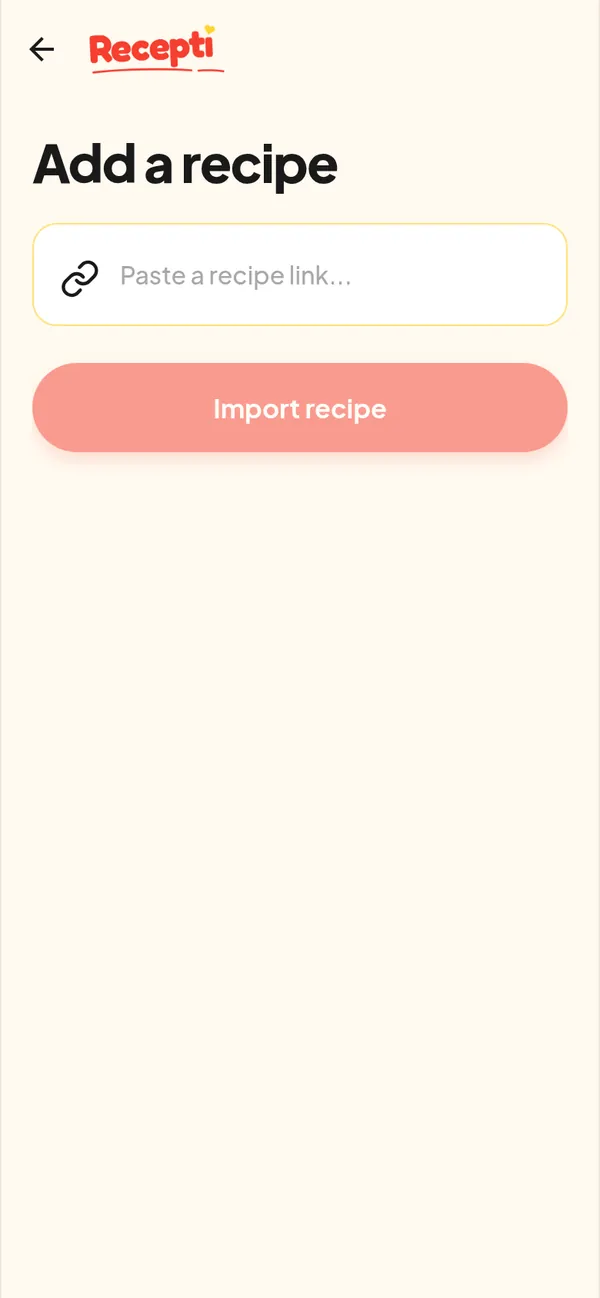
Paste a link and see what Recepti saves.
Try Recepti in your browserFree. No download. Start as a guest.
Questions
Why did a video import take a while?
Videos may need audio transcription and frame checks, which take longer than reading a web page.
Will retrying create duplicates?
If an earlier attempt did save, you may see it twice. You can delete a recipe from its page.