

How to save recipes from any food blog or website
Short answer
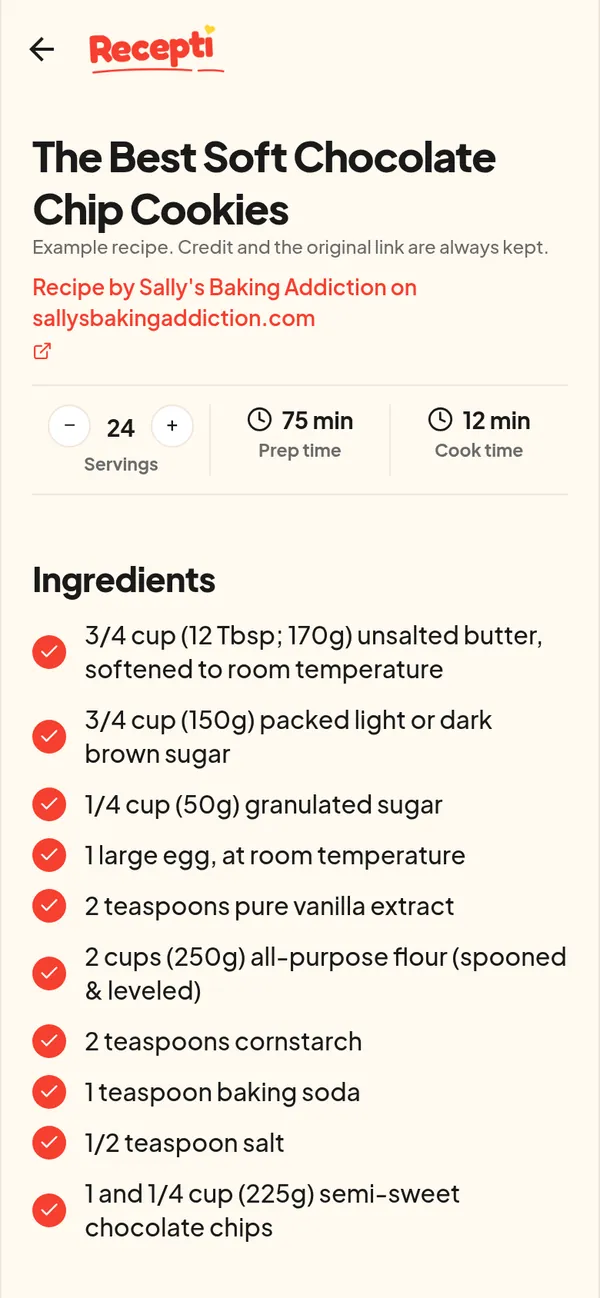
Copy the address of the recipe page, paste it into Recepti and tap Import recipe. Recepti saves the ingredients and steps, and usually servings, prep and cook time, with the site credited and a link to the original page.
Browser bookmarks are where recipes go to be forgotten. You end up with a folder of page titles, no photos, and no idea which one was the good banana bread.
Save a recipe page
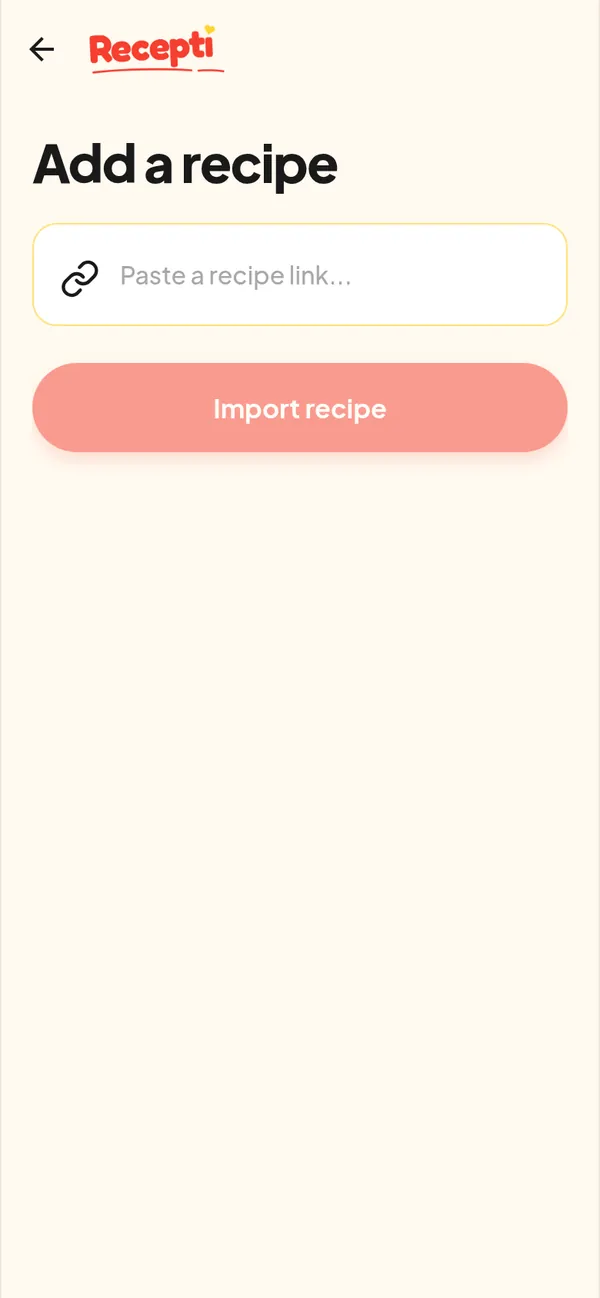
- Open the recipe page and copy its address from the address bar or Share menu.
- Open Recepti, tap + and paste.
- Tap Import recipe. Website recipes are usually the fastest import.
What you get
- The recipe title and the site it came from
- Servings with a plus and minus button
- Prep and cook time when the page lists them
- The full ingredient list and numbered steps
- A link back to the page
Be kind to the blog
Recipe sites run on visits. Recepti keeps the credit on every recipe, and the original link is there when you want the photos, tips and comments that only live on the blog.
Paste a link and see what Recepti saves.
Try Recepti in your browserFree. No download. Start as a guest.
Questions
Does it work on every website?
It works on most recipe pages. If one does not import, see what to do when an import fails.
Will it skip the ads and life story?
Your saved copy is just the recipe: ingredients, steps and the details above. See reading a recipe without ads.