

How to organize recipes saved across TikTok, Instagram and Facebook
Short answer
Pick one home for recipes, then move only the ones you would cook from each app's saved list into it. With Recepti you paste each link once; credit and links are kept, and Favourites holds your regulars.
The problem is rarely too few recipes. It is the same idea saved in TikTok Favorites, Instagram Saved, a Facebook collection and a screenshot, with no way to see them all at once.
The one-hour cleanup
- 10 minutes per app. Open TikTok Favorites, Instagram Saved and Facebook Saved, one at a time.
- Ask one question: would I cook this in the next three months? If not, skip it.
- Import the yes pile. Copy each link and paste it into Recepti.
- Heart your regulars. They appear under Favourites.
Where each app keeps saves
| App | Where to find saves |
|---|---|
| TikTok | Profile, then the bookmark (Favorites) tab |
| Profile, menu, then Saved | |
| Menu, then Saved | |
| YouTube | Library, then Watch later or your playlists |
Keep it tidy afterwards
- Import new recipes when you find them, not later.
- Keep app bookmarks for ideas and Recepti for recipes you plan to cook.
- Once a month, delete recipes you know you will not make.
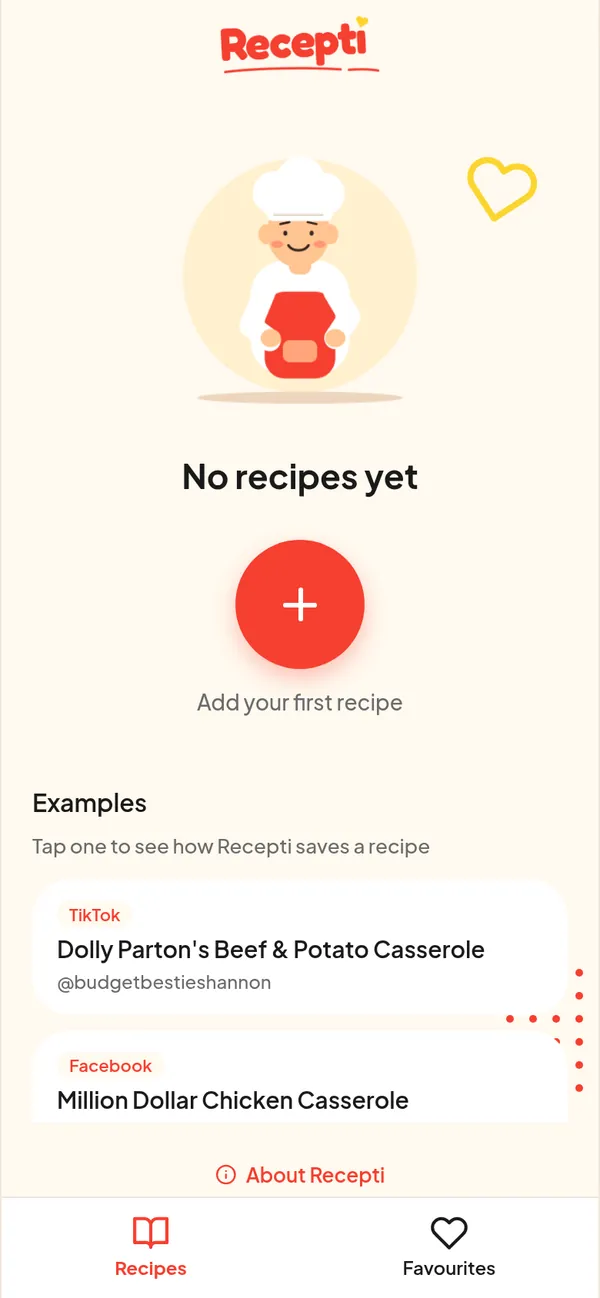
Paste a link and see what Recepti saves.
Try Recepti in your browserFree. No download. Start as a guest.
Questions
Does Recepti have folders?
Recepti has your Recipes list, a search once you have saved recipes, and Favourites. Tap the heart on a saved recipe to add it to Favourites.
Can I import everything at once?
No, one link at a time. That keeps your list to recipes you chose.