

Stop screenshotting recipes. Do this instead
Short answer
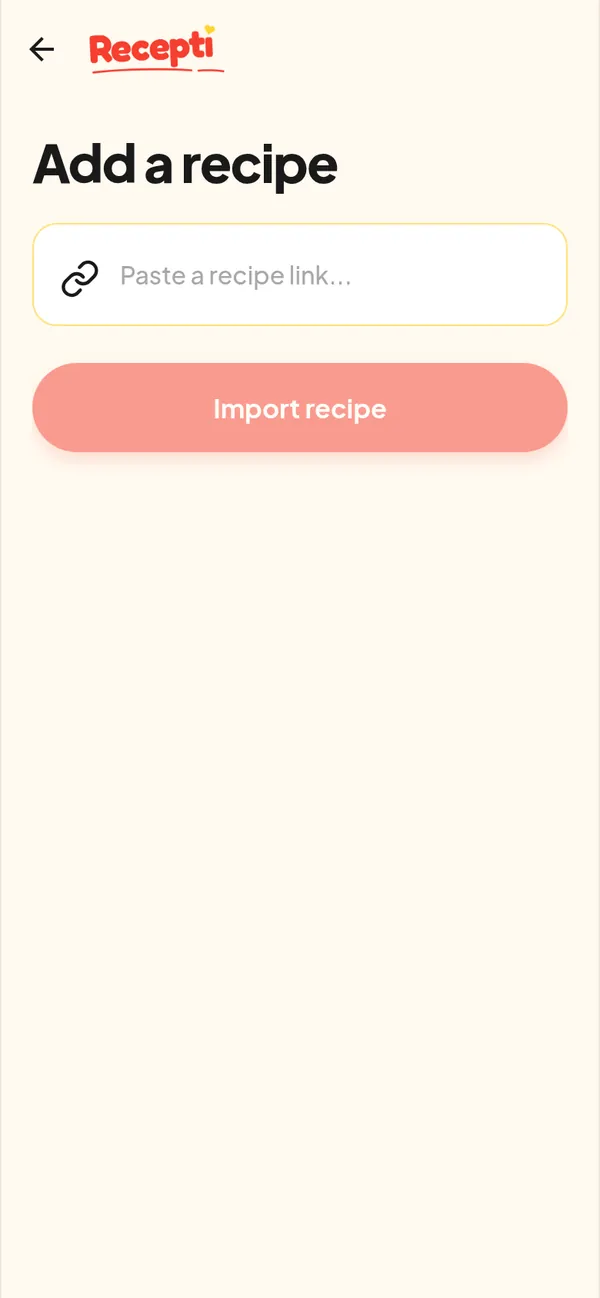
Instead of a screenshot, copy the post link and paste it into Recepti. You keep the full ingredient list and steps, the creator credit and a link back, all in one list you can search by scrolling instead of hunting through photos.
Screenshots feel fast. Then you have 40 of them between photos of your dog, half the steps are on a second screen you forgot to capture, and you cannot remember who posted it.
What a screenshot loses
- The rest of the caption below the fold
- Anything said in the video
- Who made it and where to find it again
- Any link to the full recipe
The link-first routine
- When you see a recipe you want, copy the link instead of taking a screenshot.
- Paste it into Recepti right away. It takes about as long as a screenshot.
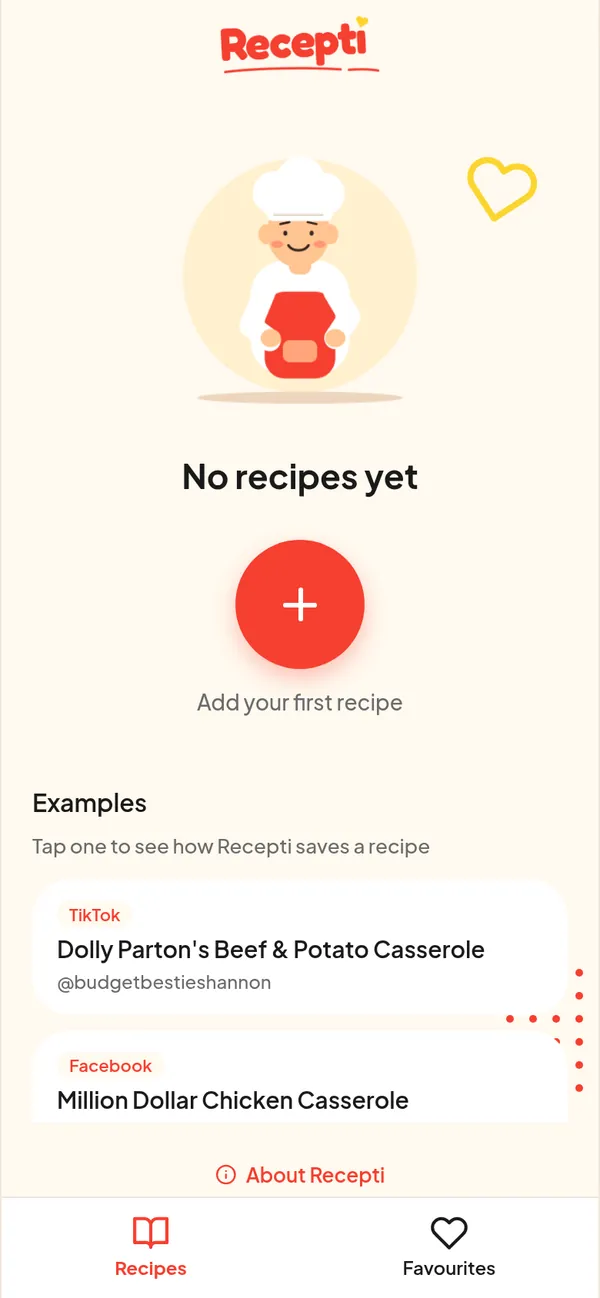
- Tap the heart on recipes you love so they show up under Favourites.
Clearing your old screenshots
Most screenshots still show the creator name. Search for that creator on the app, find the post, copy its link and import it. Then delete the screenshot. Start with the five you would cook this month.
Paste a link and see what Recepti saves.
Try Recepti in your browserFree. No download. Start as a guest.
Questions
Can I upload a screenshot to Recepti?
In the web app you add recipes by pasting a link. Find the original post and paste its link instead.
What about Apple Notes?
Notes is fine for text you type yourself. Compare the two in Apple Notes vs a recipe app.