

How to save a recipe from Facebook
Short answer
On the Facebook post or video, tap Share and then Copy link. Paste it into Recepti and tap Import recipe. Recepti supports facebook.com and fb.watch links and keeps the credit and original link.
Facebook is full of recipes: pages from food sites, Reels, and family-favorite posts in groups. Saving them inside Facebook works, but finding them again means digging through everything else you saved.
Save it in Recepti
- On the post, tap Share, then Copy link.
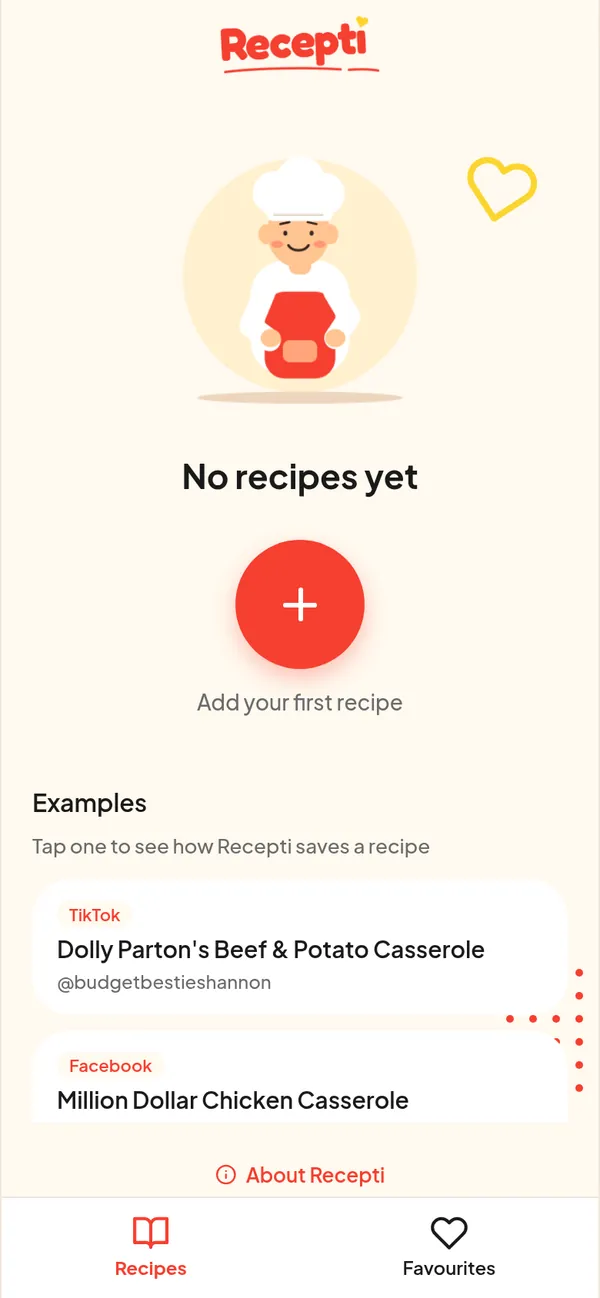
- Open Recepti and tap +.
- Paste the link and tap Import recipe.
- Check it and save.
Posts from food pages
Many Facebook recipe posts are really links to a recipe on the page owner's website. If you see a link in the post, you can import the website link directly. Website recipes usually come in with servings, prep and cook time.
Posts in groups
Recepti reads public posts. Posts inside private groups may not import. In that case, ask the person who posted it if there is a public link, or type the recipe into your own notes.
Paste a link and see what Recepti saves.
Try Recepti in your browserFree. No download. Start as a guest.
Questions
Which Facebook links work?
Links on facebook.com and fb.watch are recognized as Facebook links.
Can I find recipes I already saved on Facebook?
Yes. See how to find saved recipes on Facebook, then import the ones you want to keep.