

How to save a recipe you found on Pinterest
Short answer
Open the pin and tap Visit (or the link) to reach the recipe page. Copy that page's address and paste it into Recepti. Recepti saves recipes from food blogs and recipe websites, so the source page gives you the full ingredients and steps.
A recipe pin is usually a photo with a link. The actual recipe lives on the website the pin points to. Pinterest boards are great for collecting ideas; the recipe page is what you need to cook.
From pin to saved recipe
- Open the pin in Pinterest.
- Tap Visit or the link to open the recipe website.
- Copy the address of that page.
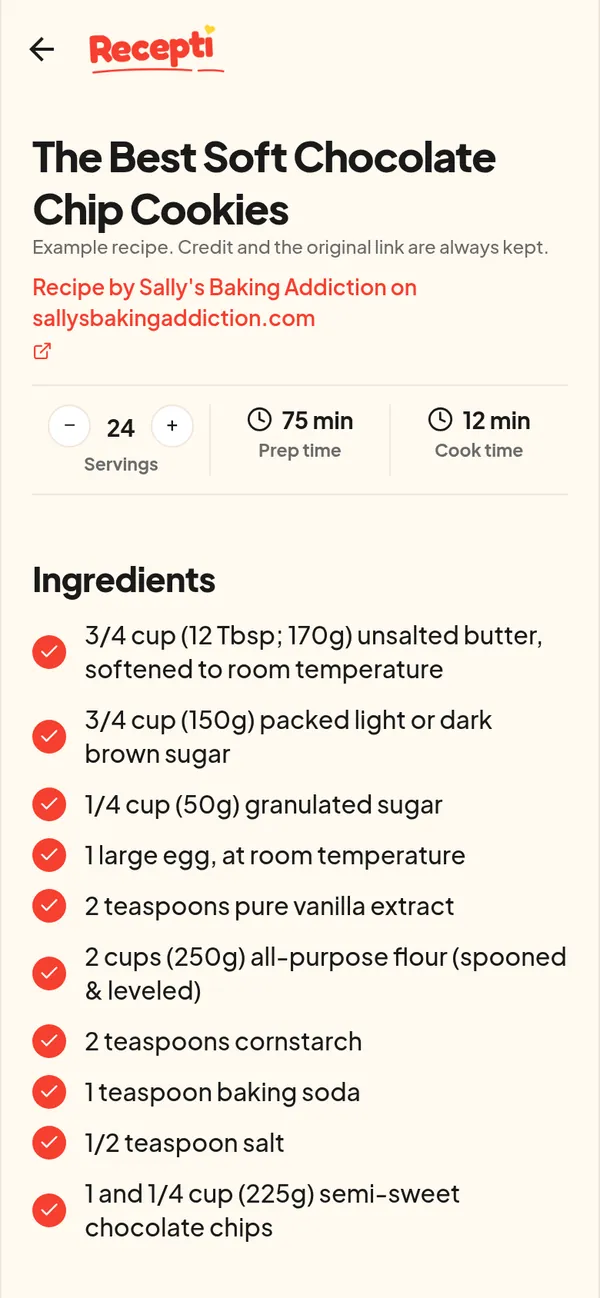
- Paste it into Recepti and tap Import recipe.
If the pin has no link
Some pins are just images. Search the recipe title plus the creator name to find the original page, then import that. If you cannot find a source, the recipe may not be complete anyway.
Pinterest for ideas, Recepti for cooking
Keep pinning. When you decide to cook something this week, import its source page so the recipe is ready when you are in the kitchen.
Paste a link and see what Recepti saves.
Try Recepti in your browserFree. No download. Start as a guest.
Questions
Can I paste a Pinterest pin link directly?
Recepti lists TikTok, Instagram, Facebook, YouTube and recipe websites as sources. For pins, the reliable route is the source page link.
Is the source page credited?
Yes. Recepti keeps the site name and a link to the original page.