

How to save recipes from Instagram as real, cookable recipes
Short answer
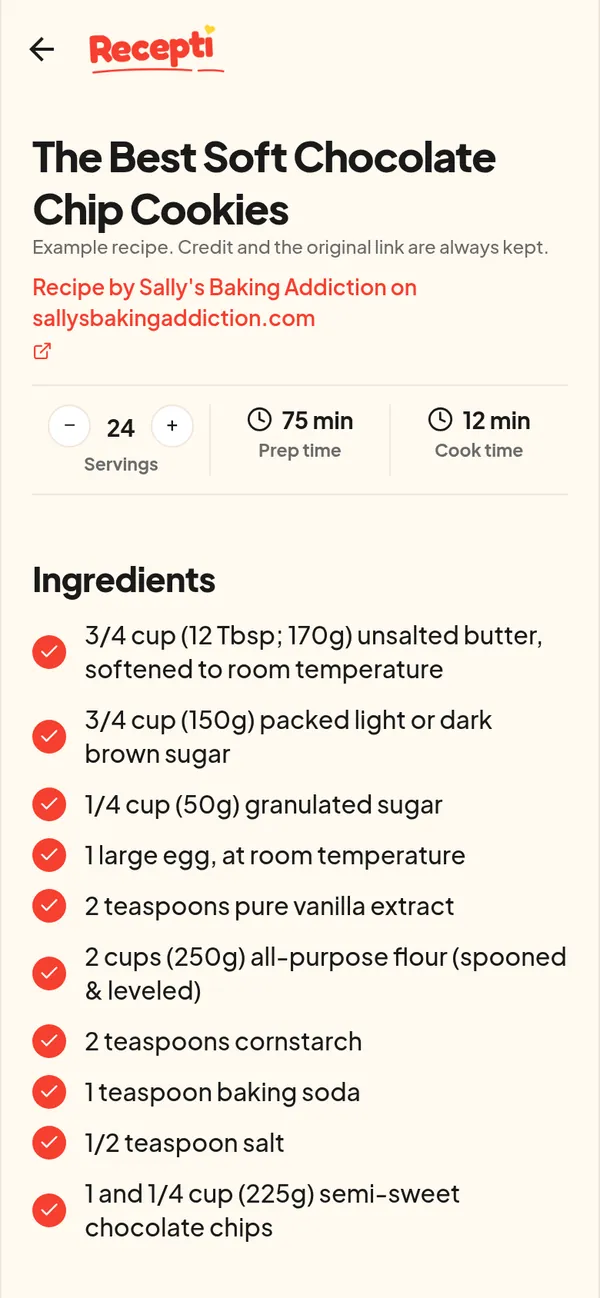
Tap the three dots or Share on the Instagram post, copy the link, then paste it into Recepti and tap Import recipe. You get the ingredients and steps in one place, with the creator credited and a link back to the post.
Instagram Saved is a great mood board and a poor cookbook. Posts are mixed with everything else you saved, captions get cut off, and the amounts are often hidden in a carousel slide or said out loud in a Reel.
Save it in four steps
- On the post or Reel, tap Share (the paper plane) or the three dots.
- Tap Copy link.
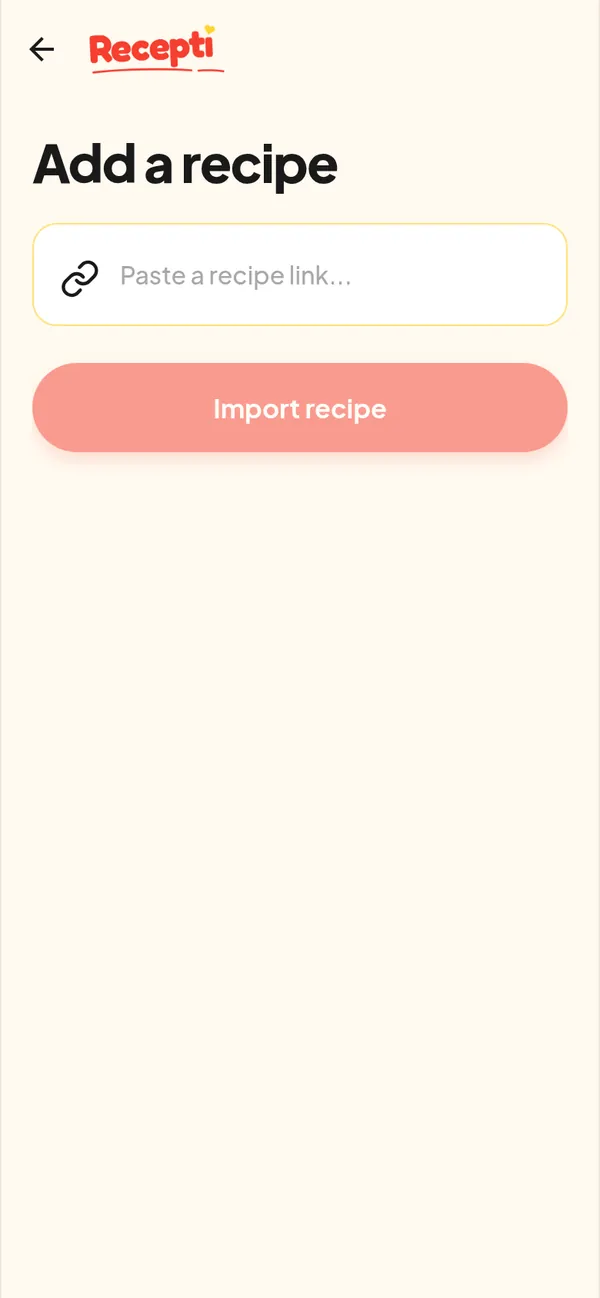
- Open Recepti, tap + and paste the link.
- Tap Import recipe, check it and save.
Where Instagram recipes hide
Recipes on Instagram sit in different places: the caption, the video, or a "recipe in bio" link. Recepti reads the caption, works from the video when the caption is not enough, and follows a recipe link when the caption has one. More on this in finding the recipe in an Instagram post.
Keep Instagram Saved for ideas
There is no need to stop bookmarking. Use Instagram collections for ideas, and Recepti for the recipes you actually plan to cook. The Instagram Saved vs a recipe app guide shows how to split the two.
Paste a link and see what Recepti saves.
Try Recepti in your browserFree. No download. Start as a guest.
Questions
Can Recepti read private Instagram accounts?
Recepti fetches the public post from the link. Posts that are not public may not import.
Does it save Reels too?
Yes. Paste the Reel link the same way. See Instagram Reel to recipe.