

Where is the recipe? Finding it in an Instagram post
Short answer
Check the caption first, then a link in the caption or the creator's bio, then the video itself. Recepti reads the caption, follows a recipe link if the caption has one, and works from the video audio and frames when the recipe is not written down.
Food creators share recipes in a few standard ways. Knowing which one you are looking at saves a lot of scrolling.
The five usual places
| Where | How to spot it | What to paste into Recepti |
|---|---|---|
| Caption | Tap "more" and look for an ingredient list | The post link |
| Link in the caption | A web address to a blog recipe | The post link, or the blog link directly |
| Link in bio | "Recipe in bio" in the caption | The blog page link from the bio |
| Carousel slides | Swipe left on the post | The post link, then check amounts against the slides |
| Spoken in the Reel | No list anywhere, the creator talks you through it | The Reel link |
"Comment RECIPE and I will send it"
Some creators send the recipe by direct message when you comment a keyword. That message usually contains a link to their site. Open it, copy the page link and paste that into Recepti. You get the full written recipe and the creator still gets the visit.
A quick routine
- Copy the post link and import it first. It often just works.
- If the result is thin, look for a blog link in the caption or bio and import that.
- Compare the amounts with the post once, then cook.
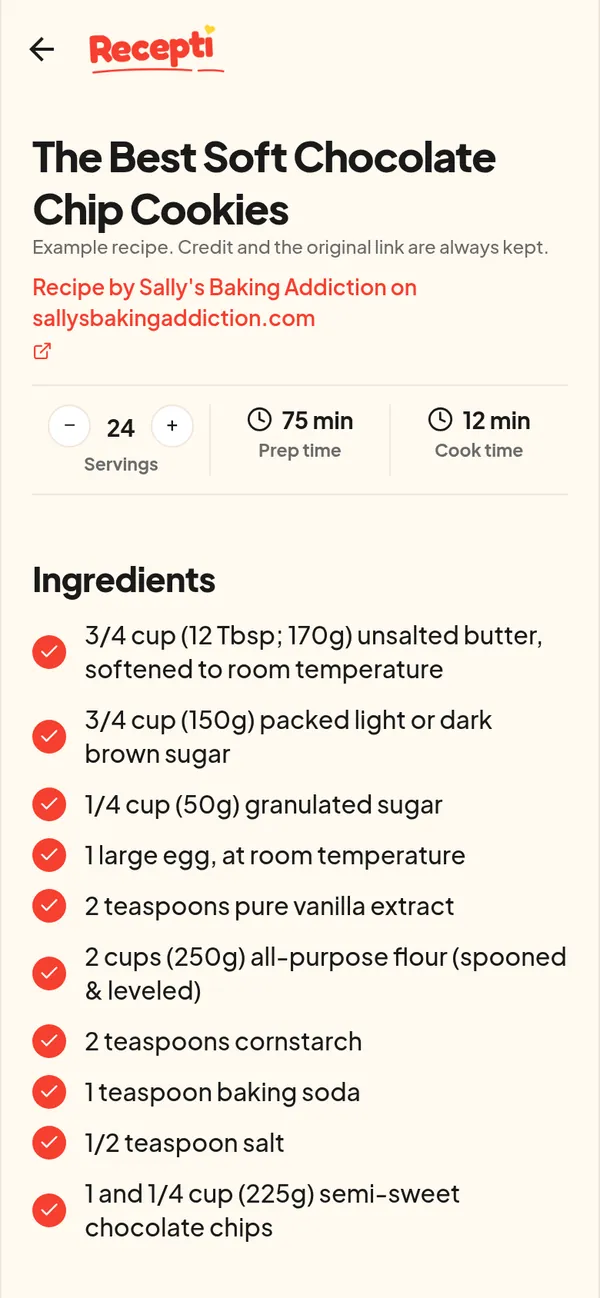
Paste a link and see what Recepti saves.
Try Recepti in your browserFree. No download. Start as a guest.
Questions
Can I paste a blog link instead of the Instagram link?
Yes. Recepti saves recipes from food blogs and recipe websites too. The blog version is often the most complete.
Will the creator know I saved their recipe?
Recepti keeps the credit and a link back to the post on your saved recipe. It does not post or comment anywhere.