

How to save recipes on your phone, the simple way
Short answer
Open getrecepti.app in your phone browser and add it to your home screen. From then on, whenever you find a recipe on social media or a blog, copy the link and paste it in. Everything lands in one Recipes list.
Set it up once
- Open getrecepti.app in Safari (iPhone) or Chrome (Android).
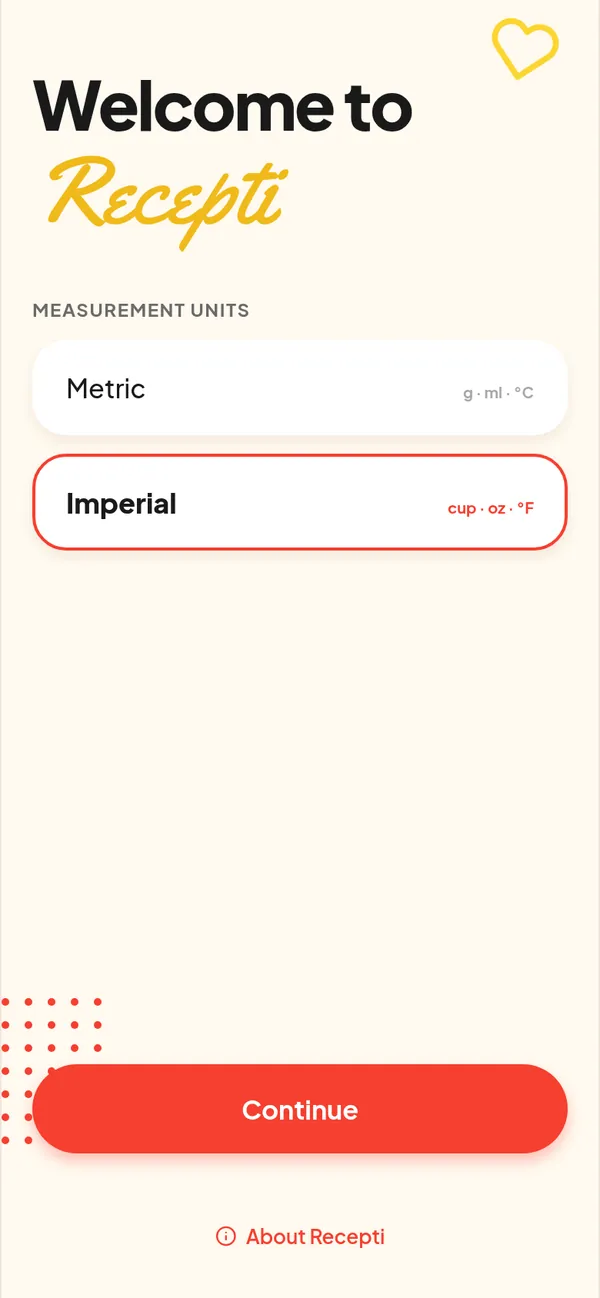
- Choose metric or imperial units.
- Add it to your home screen: Share, then Add to Home Screen on iPhone; the three-dot menu, then Add to Home screen on Android.
Use it every day
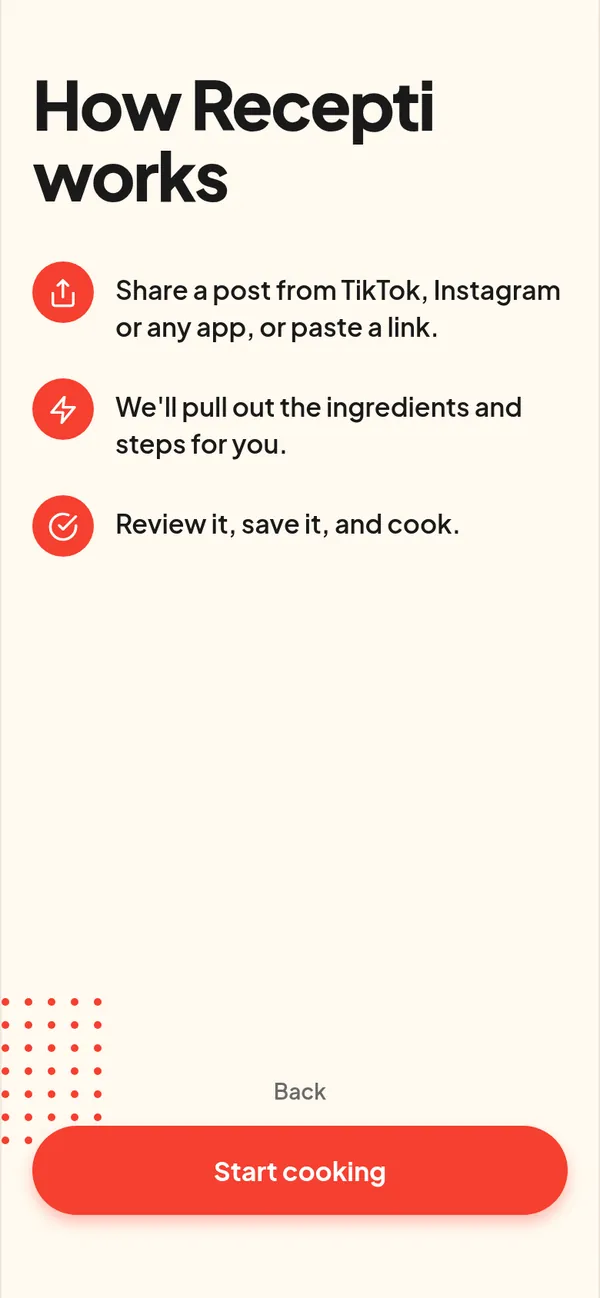
- Found a recipe? Copy the link, open Recepti, tap +, paste.
- Cooking? Open the recipe, set the servings with the plus and minus buttons, and follow the numbered steps.
- Made it twice? Tap the heart so it lives in Favourites.
Why a link-based app
Typing recipes into notes is slow and screenshots get lost. Pasting a link keeps the whole recipe, the creator credit and a way back to the original.
Paste a link and see what Recepti saves.
Try Recepti in your browserFree. No download. Start as a guest.
Questions
Do I need to create an account?
No. You can start as a guest. Guest recipes belong to the browser you used, so keep using the same one.
Does it work offline?
Recepti is a web app that loads from the internet. Open recipes you plan to cook while you have a connection.