

How to save TikTok recipes on Android
Short answer
On Android, copy the TikTok link, open getrecepti.app in Chrome, tap + and paste it. Use Chrome's menu and Add to Home screen so Recepti opens with one tap. The Android app is coming soon.
Android users can save TikTok recipes today with the Recepti web app in Chrome or any modern browser. There is nothing to install.
Save the recipe
- In TikTok, tap Share and then Copy link.
- Open Chrome and go to getrecepti.app.
- Pick metric or imperial units the first time.
- Tap +, paste the link and tap Import recipe.
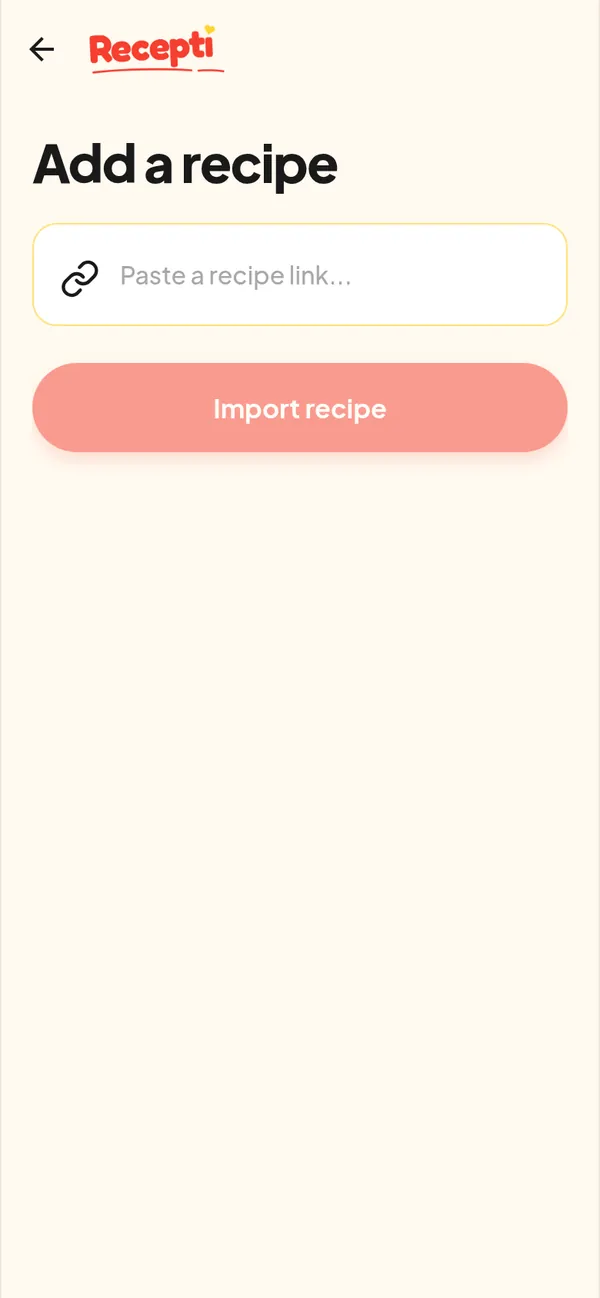
Put Recepti on your home screen
- Open getrecepti.app in Chrome.
- Tap the three-dot menu.
- Tap Add to Home screen, then Add.
Good habits for Android
- Use the same browser each time so your guest recipes stay together.
- Save from TikTok right away instead of collecting links in a chat with yourself.
- Use the Favourites tab in Recepti for the recipes you cook every week.
Want the iPhone version of these steps? See saving TikTok recipes on iPhone.
Paste a link and see what Recepti saves.
Try Recepti in your browserFree. No download. Start as a guest.
Questions
Is there a Recepti Android app?
An Android app is listed as coming soon. The web app works in Chrome now.
Does it cost anything?
The web app is free and you can use it as a guest.