

How to save recipes from YouTube Shorts
Short answer
Tap Share on the Short, copy the link and paste it into Recepti. Shorts often have no written recipe, so Recepti works from what is said and shown in the video and keeps a link back to the Short.
Shorts are the hardest recipes to keep. There is rarely a description, the amounts are spoken fast, and the Short disappears from your feed as soon as you scroll.
Save a Short
- Tap Share on the Short, then Copy link.
- Open Recepti and tap +.
- Paste and tap Import recipe.
Make the result reliable
- Watch the Short once with sound before you import, so you know what to expect.
- After importing, compare the amounts with the video once. Shorts often show amounts on screen for a split second.
- If the creator has a longer video or blog post of the same dish, import that instead. It usually has more detail.
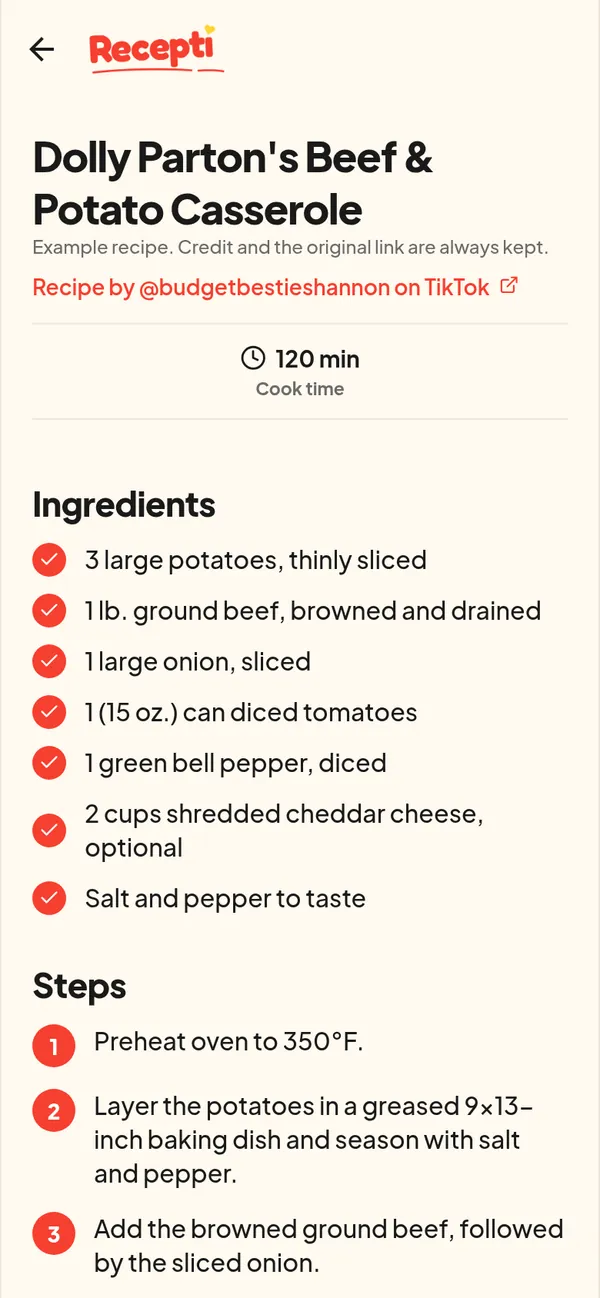
Paste a link and see what Recepti saves.
Try Recepti in your browserFree. No download. Start as a guest.
Questions
Why is a Short slower to import than a blog?
There is no written recipe to read, so the video has to be processed.
Can I save a Short from the YouTube app on my TV?
You need the link. Open the same Short on your phone, copy the link there and paste it into Recepti.