

Turn a YouTube cooking video into a written recipe
Short answer
Copy the YouTube video link (Share, then Copy) and paste it into Recepti. It reads the description, follows a recipe link if there is one, and uses the video audio and frames when needed. You get ingredients and steps plus a link back to the video.
Long cooking videos are lovely to watch and hard to cook from. The ingredient list might be in the description, on the creator's website, or only spoken halfway through.
Save it
- On YouTube, tap Share and Copy link. Links from youtube.com and youtu.be both work.
- Open Recepti, tap + and paste.
- Tap Import recipe and review the result.
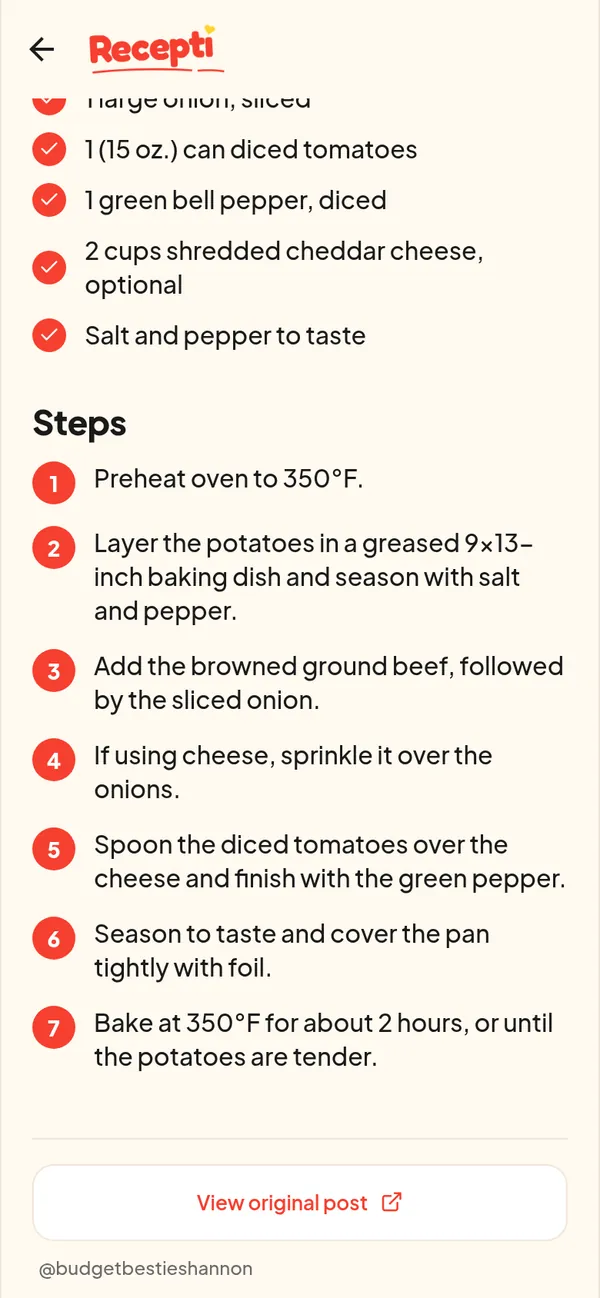
Check the description first
Many YouTube cooks put the full recipe, or a link to it, in the description. When there is a link, Recepti follows it and reads the written recipe, which usually gives exact amounts and oven settings.
Credit the creator
YouTube creators earn from views. The View original post button on every saved recipe takes you straight back to the video when you want to watch a technique again.
Paste a link and see what Recepti saves.
Try Recepti in your browserFree. No download. Start as a guest.
Questions
Do YouTube Shorts work too?
Yes, they are YouTube links. See saving recipes from YouTube Shorts.
Does Recepti save the video?
No. It saves the recipe, credit and link. Temporary files used to read the video are deleted after processing.